Wallet Builder
Wallet Builder is KryptoGO’s white-label wallet service that lets enterprises create their own customised wallet using a user-friendly editing interface — without a single line of code. With a few clicks, generate a wallet with the desired theme and features. The generated wallet is available on iOS, Android, and Chrome.
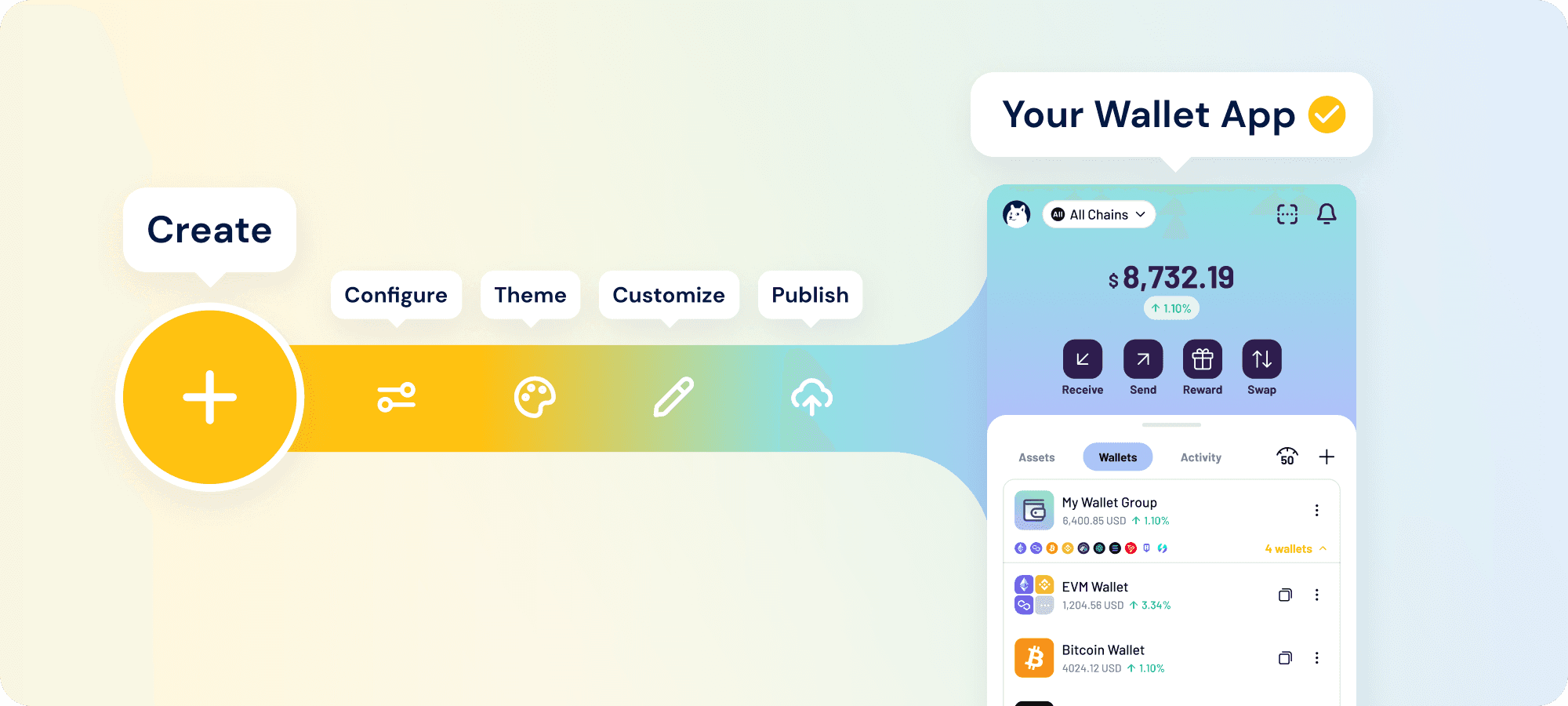
For the business-case framing of white-label wallets — partner archetypes, custody implications, integration timelines — see Enterprise Capabilities › White-Label Wallet.
Creating your wallet app
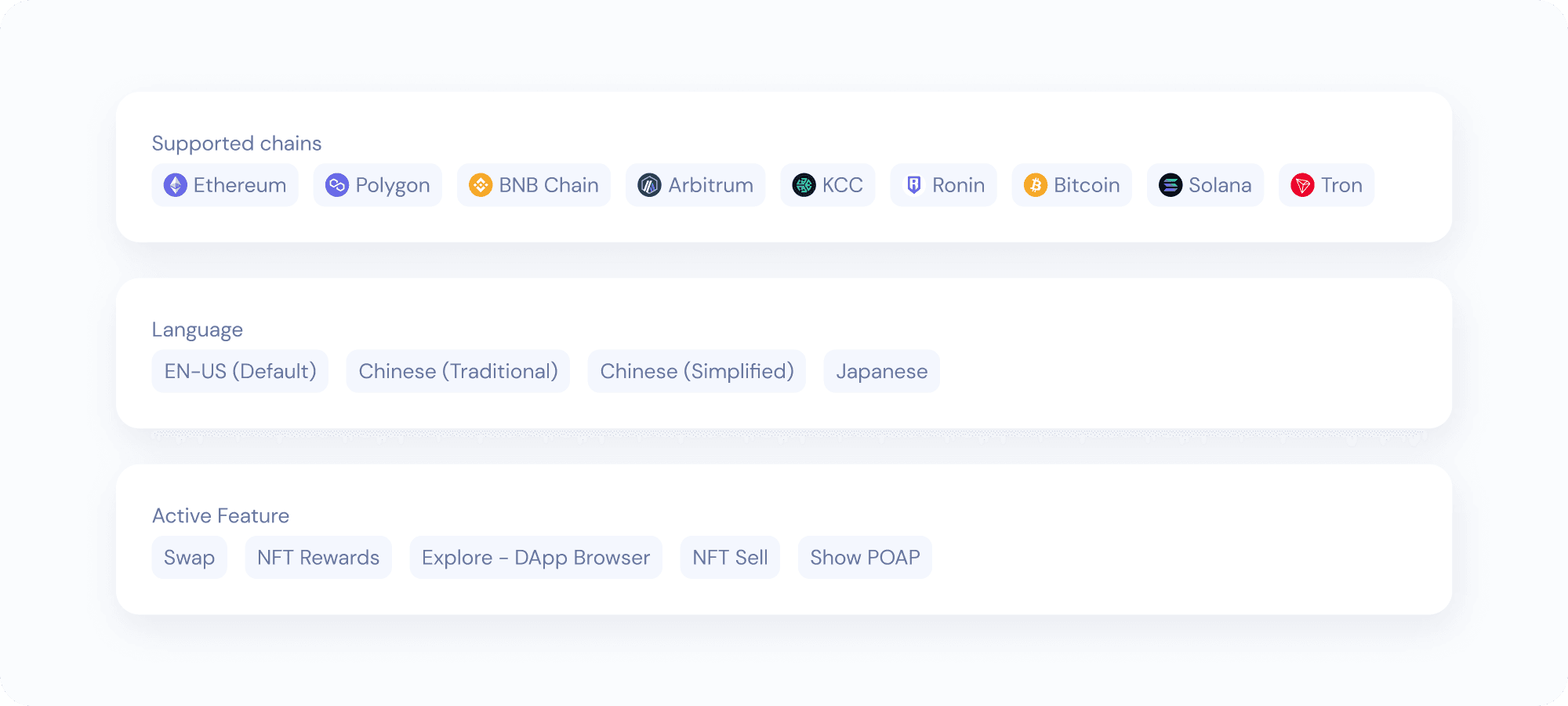
Creating a customised wallet in Wallet Builder:
- In Studio, select Wallet Builder › Wallet Settings on the left sidebar.
- Customise your wallet:
- Supported blockchains — choose between all KryptoGO-supported chains, all EVM chains, or hand-select your chains
- Asset types — select what assets show up on the wallet’s home page
- Additional features — choose additional features to enable within your wallet
- Wallet language — choose the languages supported in your wallet
Further customising your wallet
Once your wallet is set up, you can see your wallet project in Wallet Builder › Project on the left sidebar.
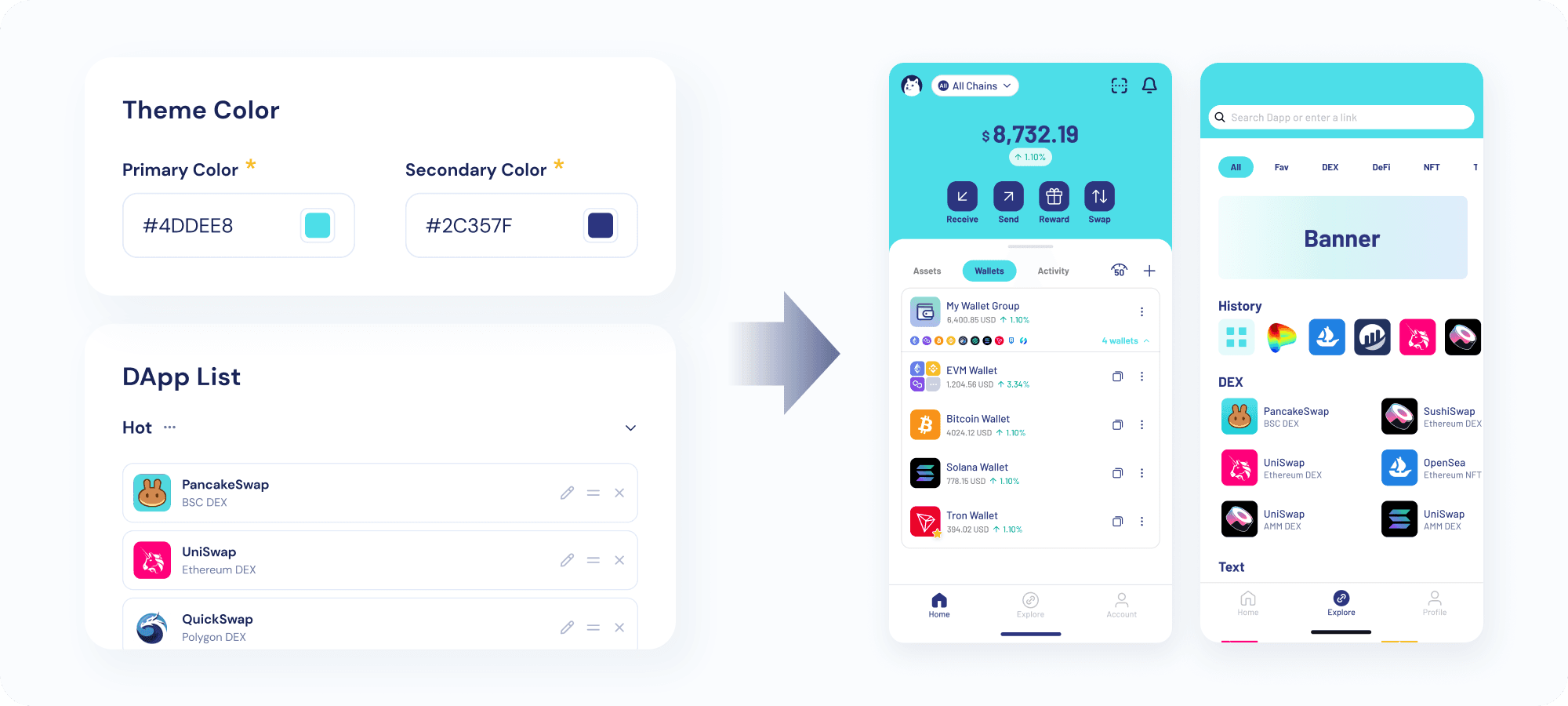
In this view, review wallet settings, change wallet theme colour, add your community and support links, add your own DApps, and more.
Publishing your wallet
Navigate to Wallet Builder › App Publish when you’re ready to publish your wallet.
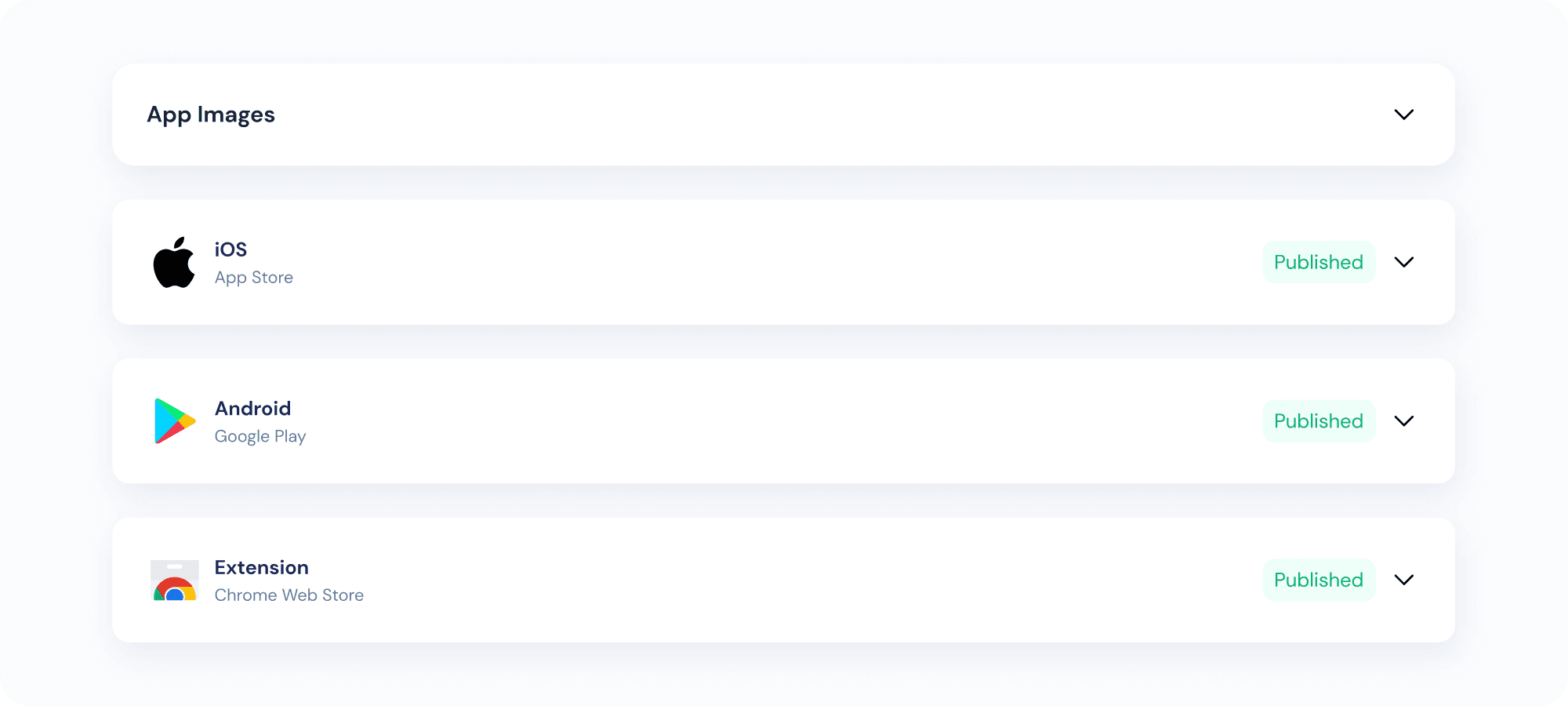
Your wallet can be published on the iOS App Store, Android Play Store, and the Chrome Web Store as a browser extension. Review your publishing details, and KryptoGO handles the rest. Your wallet appears on the desired platforms in about 14 working days.