Studio Overview
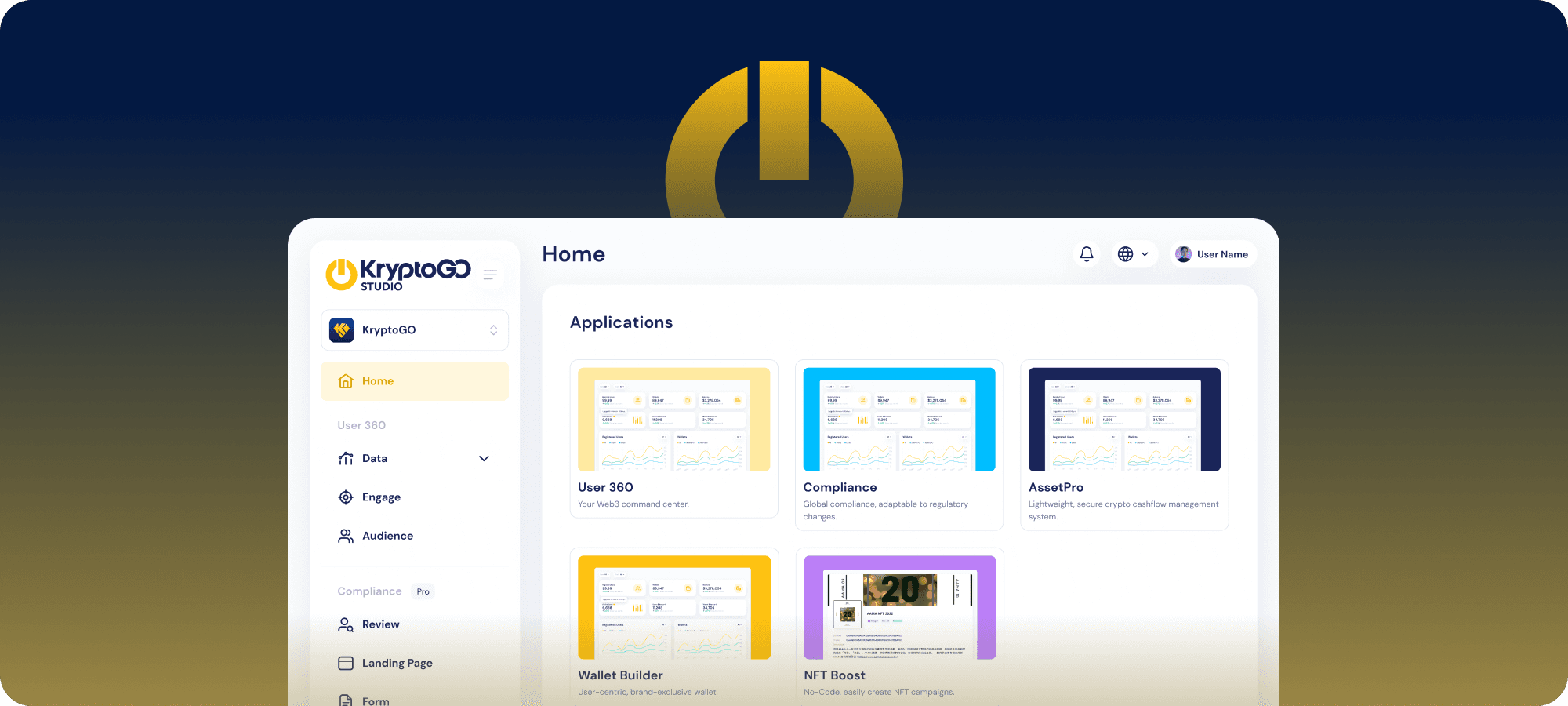
KryptoGO Studio is a collection of services that help web2 businesses solve the challenges they encounter when entering web3.
The main problems businesses face when bridging to web3:
- Identity Interoperability — How do businesses link their existing users’ identity (name, email, phone) with their web3 identity (wallet address)? How do they simplify login, authentication, and identity verification for users entering web3?
- Technical Security — Web3 is built on blockchain technology, a highly technical field. How do businesses without a specialised blockchain team make sure their products and the tools they’re built on are safe and secure?
- User Experience — Web3 is a new field with many unfamiliar terms and operations. The UX and functionality web3 applications provide must be at least equal to their web2 counterparts to motivate users to try something new.
Here’s what KryptoGO brings to each pain point:
- Identity Interoperability — Started in regulatory finance, KryptoGO has many years of experience connecting offline and online identity (KYC, AML) for financial institutions. In web3, this experience helps businesses connect off-chain and on-chain identity. KryptoGO offers a web SDK for authentication.
- Technical Security — KryptoGO implements ISO 27001 and ISO 27701 information-security and data-privacy standards, with code auditing and penetration testing by Cure53. The team includes web3 security experts with Capture-the-Flag competition placements. See Wallet Safety, Web SDK Safety, or Compliance & Certifications for detail.
- User Experience — KryptoGO actively listens to user feedback and updates products on a two-week cycle.
Studio Modules
KryptoGO Studio currently has four main modules:
- User 360 — A dashboard that helps businesses manage their users and provides data on user behaviour and engagement.
- Compliance — Streamlined KYA, KYB, and KYC processes for over 200 countries.
- AssetPro — A dashboard to manage crypto assets for VASPs and other companies that send and receive crypto.
- Wallet Builder — Effortlessly create a personalised wallet with a user-friendly editor.
For no-code merchants who want to start selling without any developer setup, see No-Code Shop Builder.
Roles and Permissions
Each Studio user can be assigned a role per module:
User 360
| Role | Permissions |
|---|---|
| Admin | Full access to the User 360 module. Can view all analytics data. |
Compliance
| Role | Permissions |
|---|---|
| Admin | Full access to the Compliance module. Can verify all KYC verification results. |
AssetPro
| Role | Permissions |
|---|---|
| Admin | Full access. Can view Treasury, send assets, approve send approvals, view and download all transactions, and set other members’ transfer limits. |
| Approver | Can send assets within their daily transfer limits, approve send approvals, and view and download all transactions. |
| Trader | Can send assets within their daily transfer limits and see their own transactions. |
Wallet Builder
| Role | Permissions |
|---|---|
| Admin | Full access. Can configure and customise their own wallet, and release the wallet once built. |
Last updated on